











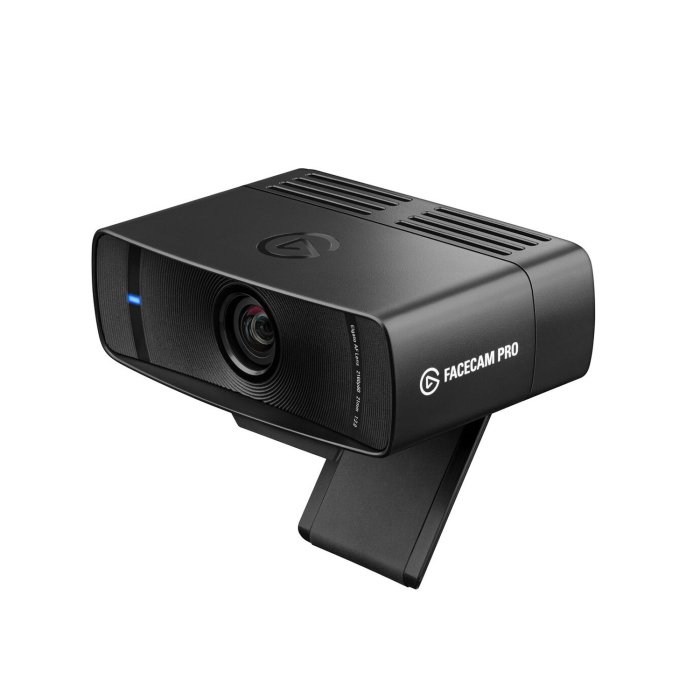

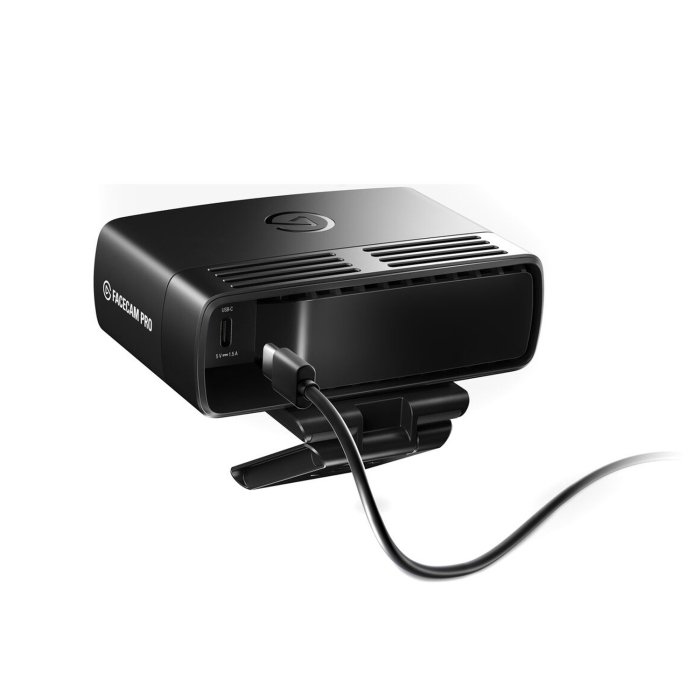


Elagto FaceCam Pro Premium 4K Superior Vedio Variable Focus Web Cam
114.00 KD
Out of stock
20
People watching this product now!
Description
Pixel Perfect
Precise Color
Deep Control
Variable Focus
Cinematic FX
Powerful Effects
Works with Stream Deck
Elgato Flash Memory – Set and Forget
Shoot 4K 60p video the way it should be shot.
Natural colors, neutral tones, and absolute accuracy. True to life has never looked truer.
Adjust shutter speed, ISO, white balance, and more with the Camera Hub app.
Look sharp with autofocus or manually lock in your shot.
Zoom, pan, and tilt while maintaining excellent image quality.
Get crafty with background replacement and bokeh blur.
Ditch the mouse and keep your eyes on the camera. Simply tap a key to reframe, change focus, toggle effects, and more. Yet another reason to adore your Stream Deck.
Never touch settings again. Facecam Pro remembers the look you love, even when restarting or switching computers.
Elgato Autofocus Lens
Giant 1/1.8″ Sony Sensor
Robust Mount
Mighty Image Engine
Teleport Anywhere
Crafted to catch every detail across the entire frame, this heavyweight lens you notice and feel. From solo streams to group meetings, your video will look better.
Capture 4K60 video and stun your audience with improved detail even when you pan, tilt, crop, or zoom. And always look professional, even when the lights are low.
Clamp onto a monitor or attach to Multi Mount via the industry standard 1/4″ thread.
Elgato’s processor does a million and one things to make you shine. Like instant light correction, automatic noise reduction, and a slew of visual wizardry that brings out the best of you. It’s like having your own film crew.
Want a green screen effect without the green screen? Shop virtual backgrounds from Marketplace, then add them to the Camera Hub.
Meet Pro Software
Flex Your Cinematography Skills
Be a Master of Light
Long Night Out
Compact Mode
Camera Hub gives Facecam Pro studio smarts. Easily set the perfect shot on the fly or let Auto Mode take care of settings while you focus on your audience.
Elevate your video feed with pan, tilt, or zoom, all without pixelation.
Set shutter speed and ISO, or switch to Auto and use live ISO readings to optimize your lighting.
Adjust contrast, saturation, and white balance to put some color back in your cheeks.
Dial in focus right down to the centimeter, or leave it to autofocus.
Compact Mode keeps your camera settings close, no matter which app you’re using.
Additional information
| Resolution | 4K |
|---|
Store Policies
Inquiries
General Inquiries
There are no inquiries yet.
Related products
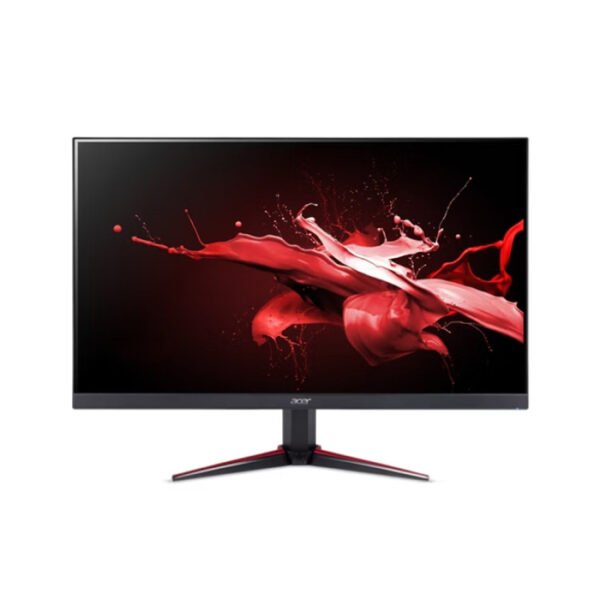
Acer Nitro VG240Y 23.8″ FHD IPS Gaming Monitor | 200Hz, 0.5ms, HDR10 | UM.QV0EE.102
Out of stock
38.00 KD
SKU:
UM.QV0EE.102
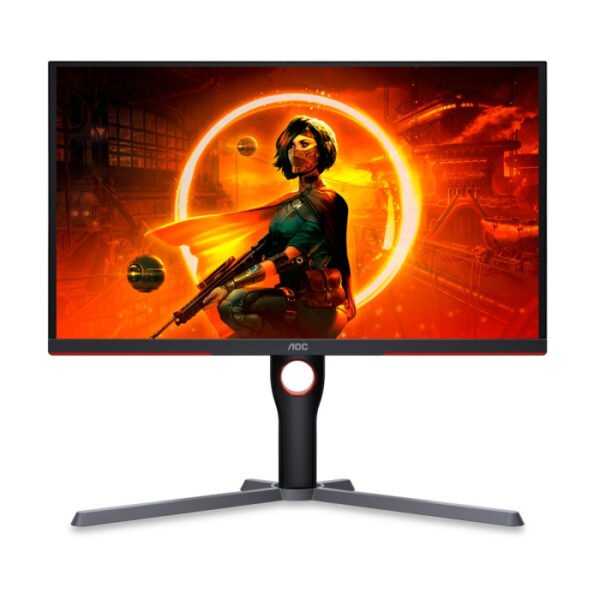
AOC 25G3ZM 25 Inch 240Hz FHD HDMI 2.0 0.5ms Gaming Monitor – Black
Out of stock
61.00 KD
SKU:
25G3ZM/89
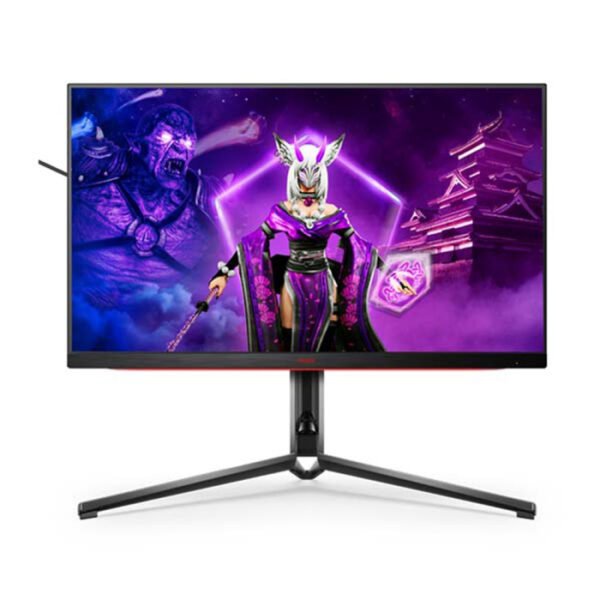
AOC AGON PRO AG324UX 31.5 Inch HDMI 2.1 IPS 4K 144Hz Gaming Monitor – black
In stock
237.00 KD
SKU:
AG324UX69
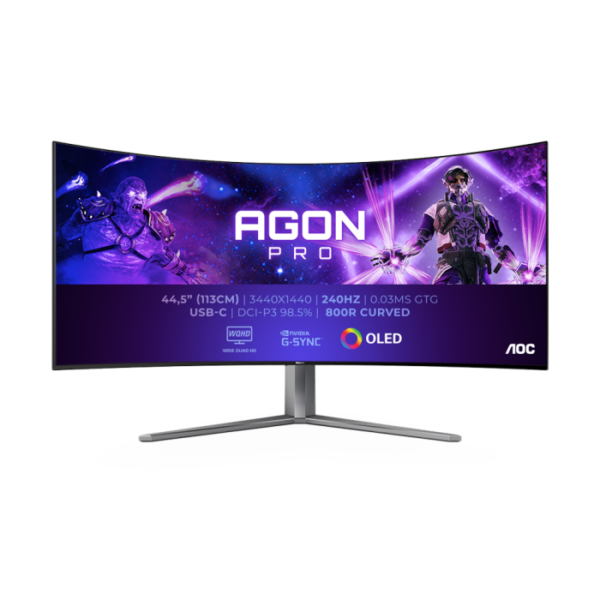
AOC AGON PRO AG456UCZD 45 Inch 240Hz OLED WQHD 0.03m Curved Gaming Monitor – Black
Out of stock
502.00 KD
SKU:
AG456UCZD/89

AOC CQ27G3Z 27 Inch 240Hz QHD 0.5ms HDMI 2.0 Curved Gaming Monitor – Black
In stock
145.50 KD
SKU:
CQ27G3Z/89
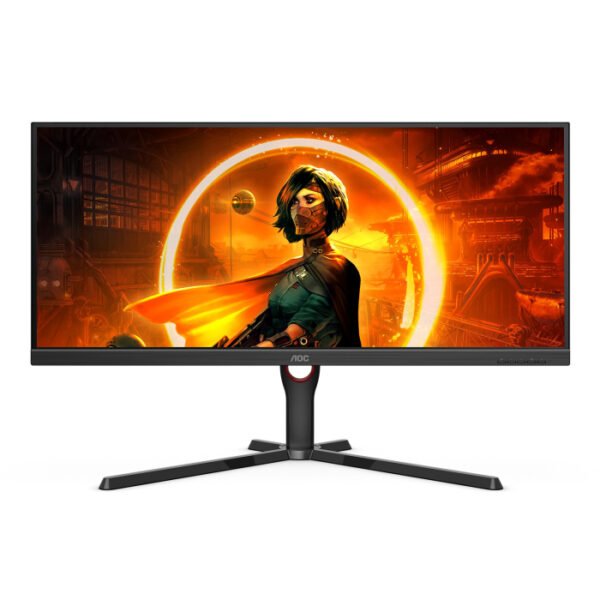
AOC U34G3XM/89 34-inch VA 2K WQHD 144Hz 1ms HDMI 2.0 Gaming Monitor – Black
Out of stock
109.00 KD
SKU:
U34G3XM/89
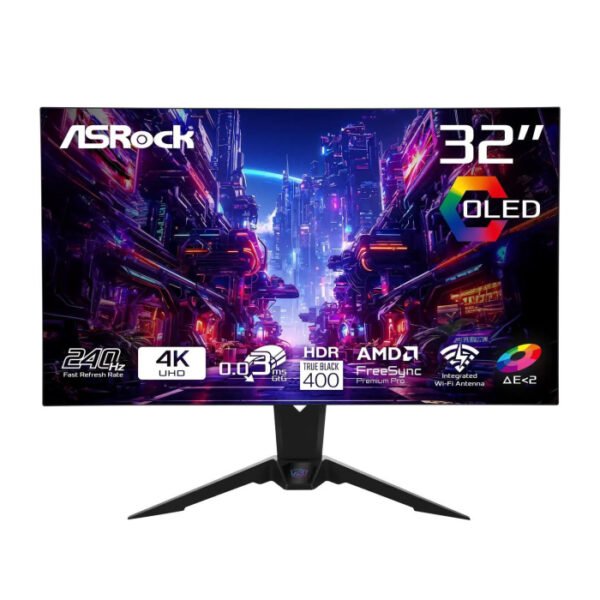
ASRock Phantom Gaming Monitor 31.5″ 240Hz 4K/UHD (3840×2160) Flat WOLED, 0.03ms HDMI 2.1, (PGO32UFS)
Out of stock
324.00 KD
SKU:
90LXA0N0-A0G1A0C
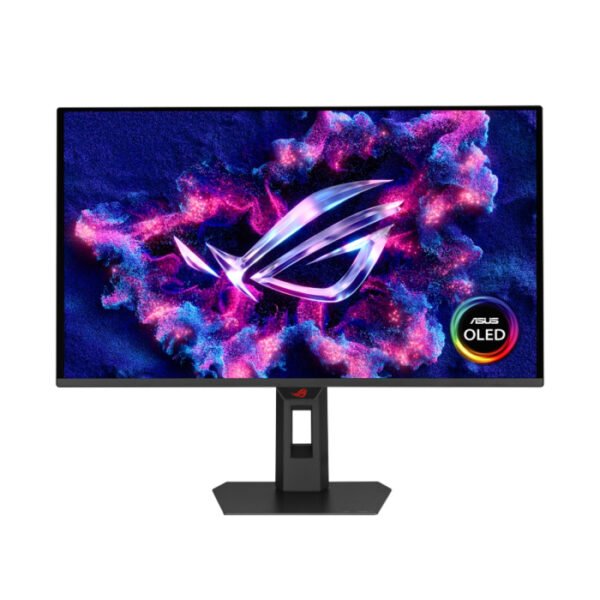
Asus 27″ Rog Strix OLED XG27AQDPG Dual Mode 2K QHD 500Hz 0.03ms VESA DisplayHDR™ HDMI 2.1 Gaming Monitor
Out of stock
354.00 KD
SKU:
90LM0C50-B01971