











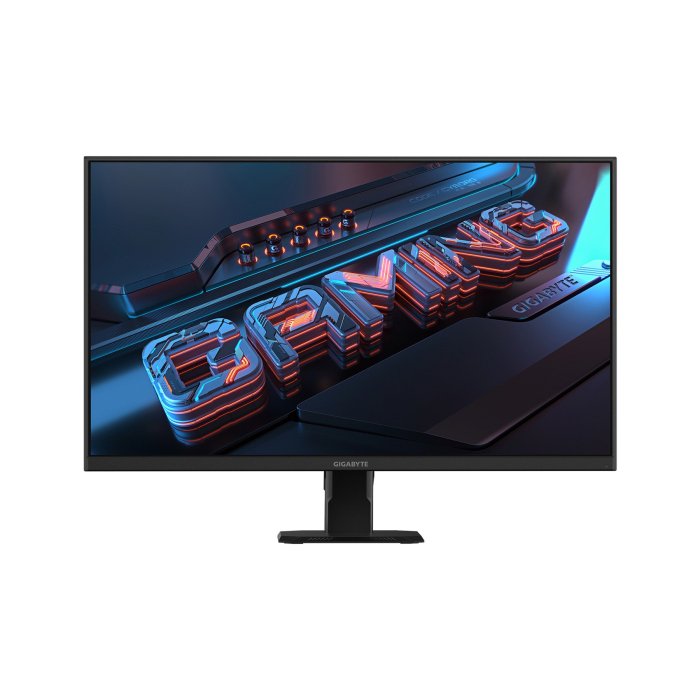
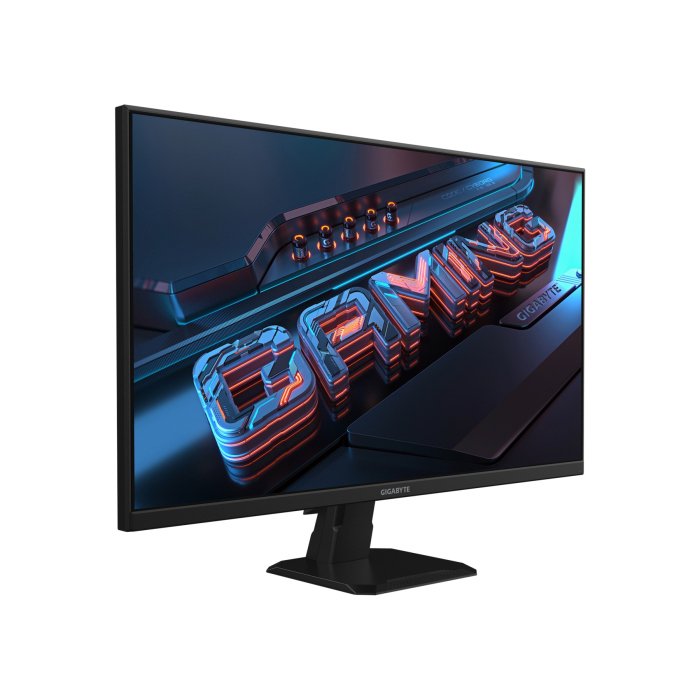

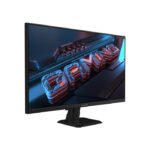


Gigabyte GS27FA 27″ FHD IPS Panel 180Hz 1ms Gaming Monitor with Flicker Free, Low Blue Light
47.00 KD
Out of stock
19
People watching this product now!
Description
Performance analysis
The Gigabyte GS27FA is a budget-friendly 27-inch, 1080p gaming monitor designed to provide a fast, fluid experience without unnecessary high-end features. It uses a Super Speed (SS) IPS panel, offering a high 180Hz refresh rate and a 1ms MPRT (Moving Picture Response Time).
Gaming performance: The combination of a 180Hz refresh rate and low 1ms response time results in exceptionally smooth gameplay, especially for fast-paced shooters. The monitor’s response time is comparable to some more expensive monitors. Overclocking to 190Hz can slightly improve the response time and lower input lag.Picture quality: The SS IPS panel delivers consistent colors, wide viewing angles, and a vibrant picture. However, as a budget IPS panel, it exhibits a relatively low contrast ratio and some “IPS glow,” which is common for this panel technology.Input lag: At its standard 180Hz refresh rate, the monitor has an average input lag of around 15.4ms. Overclocking to 190Hz reduces this to a more respectable 8.2ms. For most gamers, this is acceptable, but highly competitive players might notice the difference.HDR: While the monitor is “HDR Ready,” it lacks the advanced hardware features for a true HDR experience. Its HDR capabilities are mainly a marketing feature and don’t significantly improve image quality.Pixel density: The 27-inch size with a 1080p resolution results in a pixel density of 81.59 ppi. This is relatively low, meaning individual pixels may be more noticeable at a standard viewing distance. A deeper desk is recommended to compensate for this effect.
Design and ergonomics
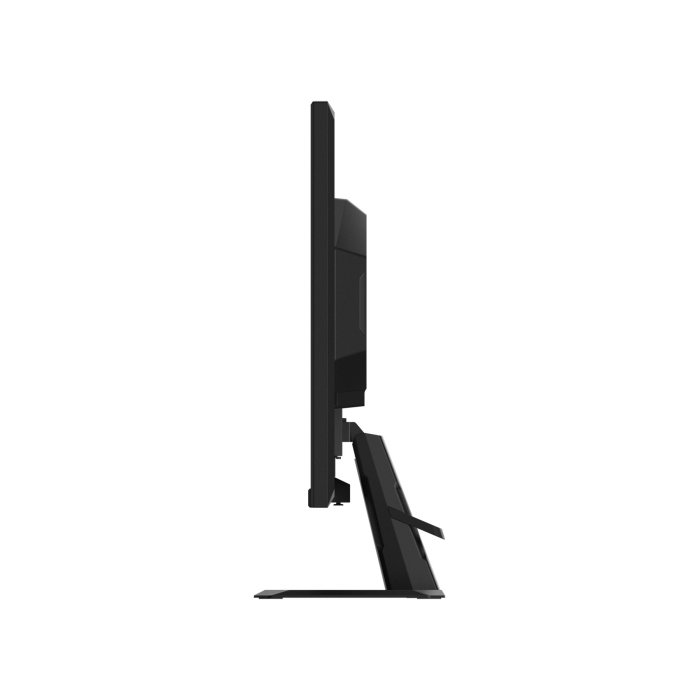
Build quality: The monitor has a “simple but stylish” design with a solid build and a matte finish.Stand: The included stand is functional and stable but offers only tilt adjustments, lacking height, swivel, or pivot options. For better ergonomics, using the VESA mounting capability is recommended
Gaming features
Aim Stabilizer: This feature uses backlight strobing to reduce motion blur. However, it cannot be used with Adaptive-Sync and may cause a ghosting effect.Black Equalizer: Enhances visibility in darker areas of games to help spot hidden enemies.Game Assist: A collection of on-screen tools like a timer and customizable crosshair overlays.OSD Sidekick: Software that allows you to adjust the monitor’s settings with a mouse and keyboard instead of the physical joystick
Additional information
Store Policies
Inquiries
General Inquiries
There are no inquiries yet.
Related products
Acer Nitro VG240Y 23.8″ FHD IPS Gaming Monitor | 200Hz, 0.5ms, HDR10 | UM.QV0EE.102
Out of stock
38.00 KD
SKU:
UM.QV0EE.102

Alienware AW2523HF Gaming Monitor 24.5-inch, FHD (1920×1080), 0.5ms, 360Hz, AMD Free Sync, Height/Tilt/Swivel/Pivot Adjustability – Black
Out of stock
103.00 KD
SKU:
GAME-AW2523HF
AOC 25G3ZM 25 Inch 240Hz FHD HDMI 2.0 0.5ms Gaming Monitor – Black
Out of stock
61.00 KD
SKU:
25G3ZM/89
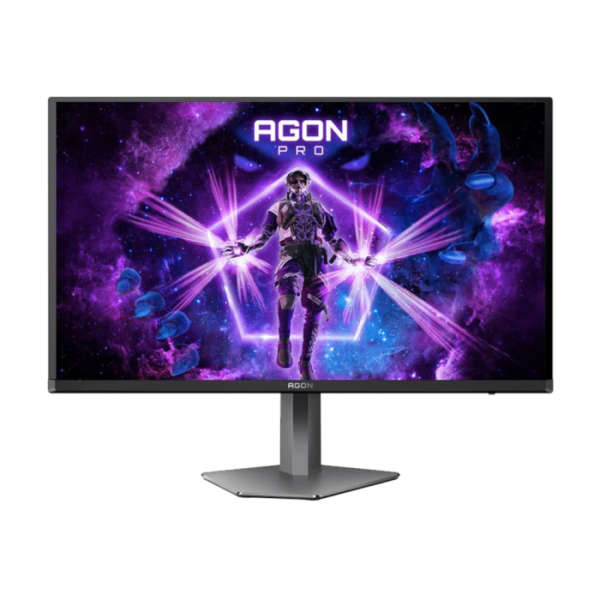
AOC AGON PRO 27 Inch QHD 480Hz 0.03ms HDMI 2.1 OLED Gaming Monitor – Black
In stock
258.00 KD
SKU:
AG276QKD/89
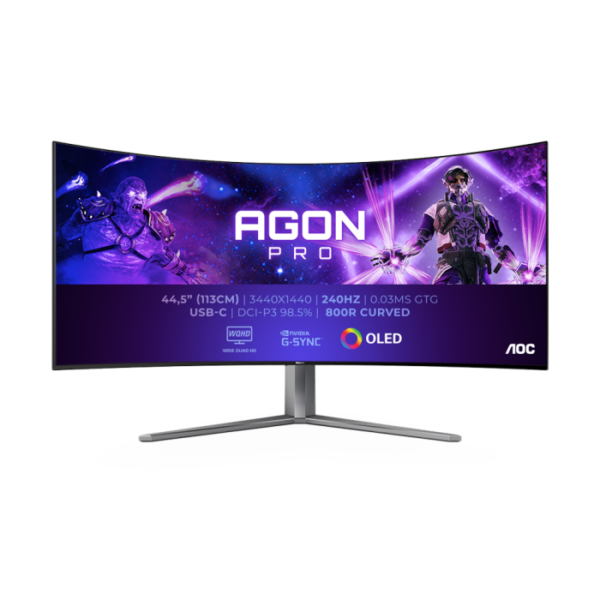
AOC AGON PRO AG456UCZD 45 Inch 240Hz OLED WQHD 0.03m Curved Gaming Monitor – Black
Out of stock
502.00 KD
SKU:
AG456UCZD/89

AOC Q32G3S 31.5-inch IPS 165Hz 2K QHD 1ms HDMI 2.0 Gaming Monitor – Black
Out of stock
110.00 KD
SKU:
Q32G3S/89

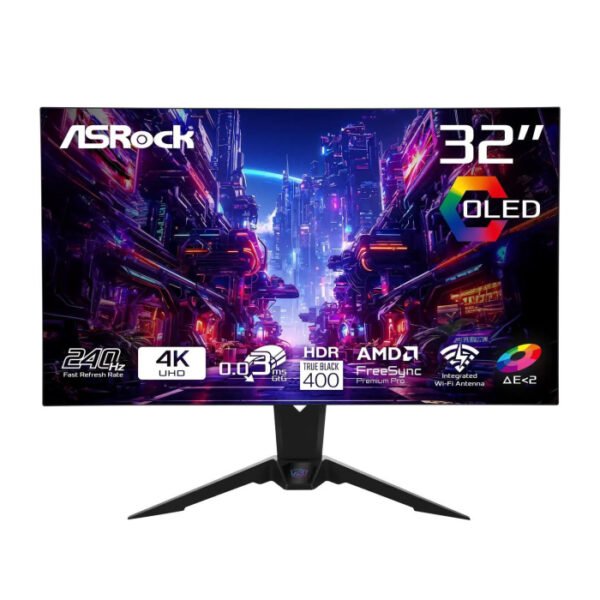
ASRock Phantom Gaming Monitor 31.5″ 240Hz 4K/UHD (3840×2160) Flat WOLED, 0.03ms HDMI 2.1, (PGO32UFS)
Out of stock
324.00 KD
SKU:
90LXA0N0-A0G1A0C