











-28%


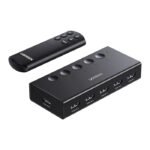
UGreen HDMI Switch 5 in 1 Out, HDMI Splitter with Remote - Black
Original price was: 18.00 KD.13.00 KD Current price is: 13.00 KD.
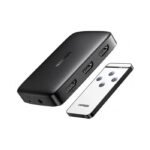
UGreen HDMI Switcher 3 Input 1 Output With Remote
Original price was: 11.00 KD.6.00 KD Current price is: 6.00 KD.
UGREEN HDMI Switch Box 2 In 1 Out KVM Switching
Original price was: 18.00 KD.13.00 KD Current price is: 13.00 KD.
19
People watching this product now!
Description
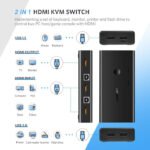
UGREEN HDMI Switch Box 2 In 1 Out KVM Switching
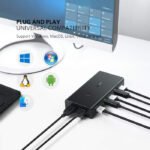
Convenient to Use* Supports hot swapping-connect or disconnect devices to the KVM switch at any time and without having to turn off devices.* Request no driver installation for all computer systems, like WIN 10, WIN8, WIN 7, WIN XP, Linux, Mac OS.* Powered via USB connections, no extra power is needed.How to Switch Between Two HDMI Input Devices(1)Press the Switch Button on the KVM box.(2)Use Keyboard Hotkey–Double click Ctrl Button(or Scroll Button), then click “1” on Numeric Keypad to switch to PC1 or click “2” to PC2.(3)Auto Scan Switch–Double click Ctrl Button(or Scroll Button), then click “S” to start the Auto Scan Switch Mode. Available to press any button to end it. Besides, you can set up auto-switch timers between 10s and 999s, which is great for surveillance.UGreen 50744 KVM Switch 2 IN 1 Out 4K HDMI Switcher Box2-Port HDMI KVM Switch: The UGREEN KVM switch lets you control 2 computers with just the 4K display and a set of controls (mouse and keyboard). It’s a great expansion for workstations, office, or anywhere between computers.4-Port USB Hub: This USB HDMI switch box comes with 4 USB ports, allowing you to connect a keyboard and mouse set, along with two high-speed 480Mbps USB 2.0 ports.High Definition Video Output: The HDMI KVM switch supports high definition images and supports a maximum resolution of up to 4K @ 30Hz, compatible with 1080P @ 60Hz. The adapter supports video and audio at the same time.Good compatibility: Windows 10/8/7 / XP / Vista (32/64-bit), Mac, Linux, Sun Solaris, DOS, Win3, WinNT, Netware and Unix. The HDMI USB switch also separately supports HDMI 2-in-1 switch and 4-port USB sharing switch. Can be used with PS4 PlayStation 3, Xbox One, DVD and TV to video switch adapter.Plug and Play: no need for power supply or software. The HDMI KVM switch has a buzzer alert function, and there is a quick tone after each hotkey switch. You can also turn off the beep by pressing the hotkey. To use the keyboard hotkey switch, the keyboard must be connected to the USB 1.1 Type-A ports.
1 Year ( As per Manufacturer Policy )
Store Policies
Inquiries
General Inquiries
There are no inquiries yet.
Related products

Alienware AW2523HF Gaming Monitor 24.5-inch, FHD (1920×1080), 0.5ms, 360Hz, AMD Free Sync, Height/Tilt/Swivel/Pivot Adjustability – Black
Out of stock
104.00 KD
SKU:
GAME-AW2523HF
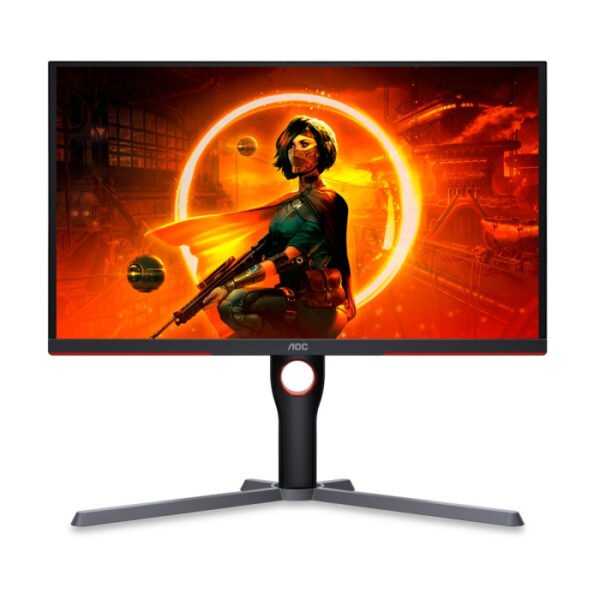
AOC 25G3ZM 25 Inch 240Hz FHD HDMI 2.0 0.5ms Gaming Monitor – Black
Out of stock
62.00 KD
SKU:
25G3ZM/89
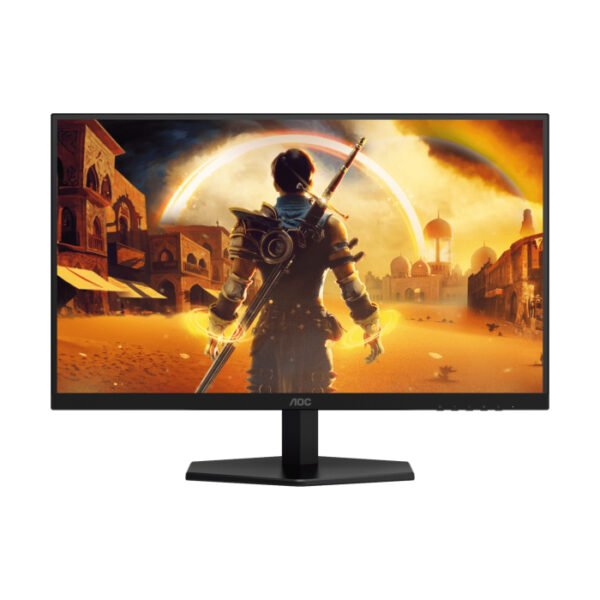
AOC 27G42E 27″ IPS Panel 180Hz FHD HDMI 2.0 0.5ms Gaming Monitor
Out of stock
48.00 KD
SKU:
27G42E/89

AOC CQ27G3Z 27 Inch 240Hz QHD 0.5ms HDMI 2.0 Curved Gaming Monitor – Black
In stock
146.50 KD
SKU:
CQ27G3Z/89
-9%
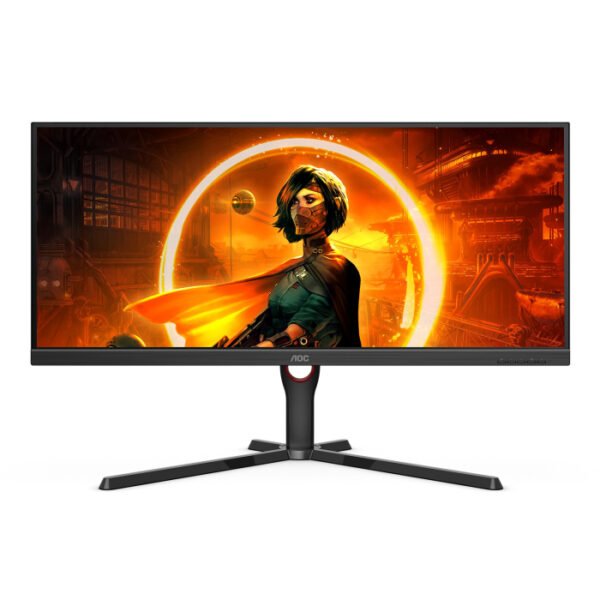
AOC U34G3XM/89 34-inch VA 2K WQHD 144Hz 1ms HDMI 2.0 Gaming Monitor – Black
In stock
Original price was: 113.00 KD.103.00 KD Current price is: 103.00 KD.
SKU:
U34G3XM/89
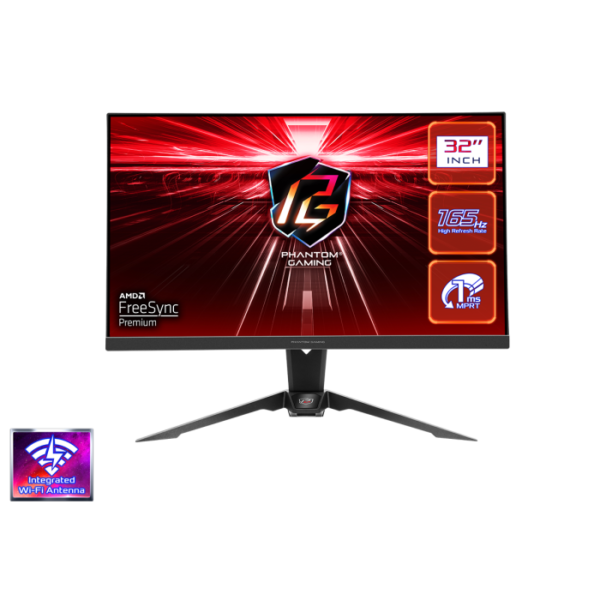
ASRock Phantom – PG32QF2B – 31.5 Inch – QHD – 165Hz – Flat VA Gaming Monitor
Out of stock
79.00 KD
SKU:
PG32QF2B
-13%
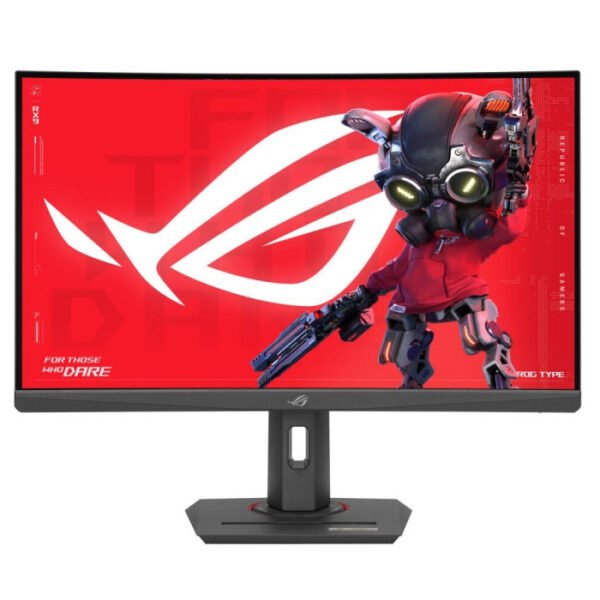
ASUS 27″ ROG Strix (XG27WCMS) Curved 2K Gaming Monitor, VA Display Panel, 280Hz Refresh Rate, 1ms Response Time, HDMI 2.1/USB-C & Standard Ports, Black | 90LM09Y1-B01370
In stock
Original price was: 149.00 KD.129.00 KD Current price is: 129.00 KD.
SKU:
90LM09Y1-B01370
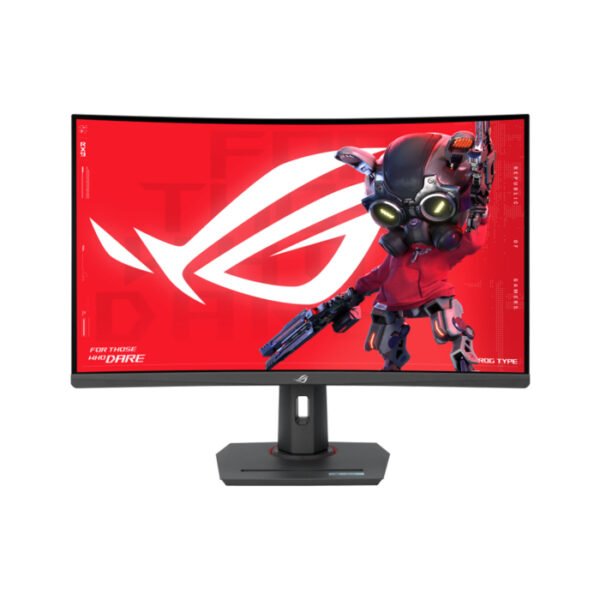
Asus ROG Strix (XG32WCMS) 32″ QHD 280Hz 1Ms Type-C, HDR 400, With AMD FreeSync Premium Curved Gaming Monitor
Out of stock
123.00 KD
SKU:
90LM09X0-B01970